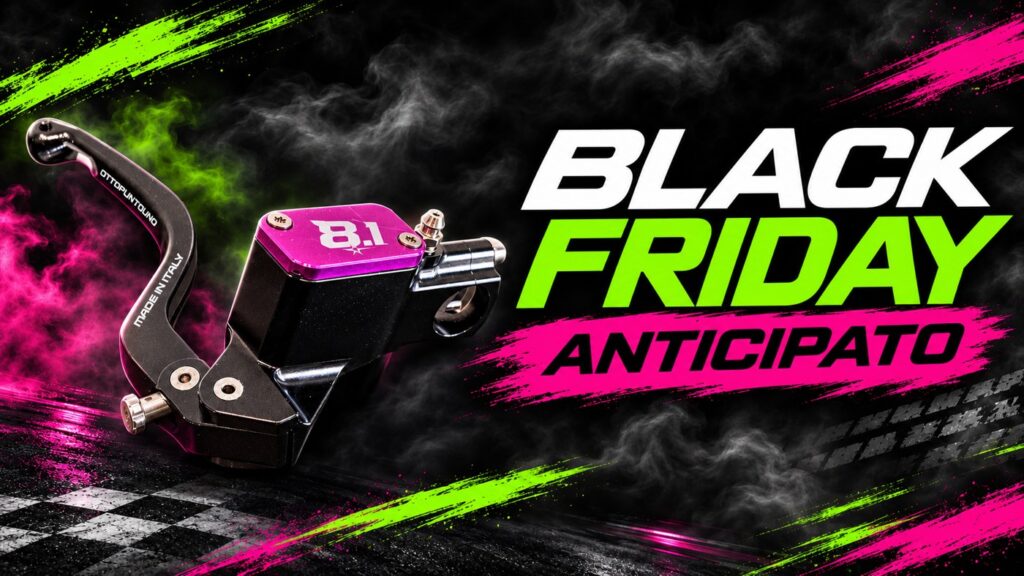
A brake master cylinder with a purple cap, an early Black Friday banner and four days marked on the calendar. From 19 to 22 November, that was the image that welcomed you to the 8.1 shop. Now that the promotion has ended, we’d like to thank everyone who picked out a part for their bike or scooter, and everyone who took the opportunity to get back to a project that had been waiting in the garage.
Choosing the next part often starts at the bike. You take a measurement, photograph what’s already fitted, then go back to a product page you looked at before. If Black Friday found you halfway through that process, here are a couple of ways to pick up where you left off.
Your order confirmation gives you the name of the item you chose. Open its product page and make a note of the code too, particularly if you’re working on more than one bike. Two parts that look similar in a picture may have different dimensions, mounting points or applications. The code takes you back to the right version even when the exact name slips your mind.
If you contact us to check a detail, include the code, your bike model and the setup you’re running. With a wheel, for instance, it helps to know whether you’re looking at the front or the rear. For a brake component, a wider shot and a close-up of the mounting point help us see exactly which part you want to compare.
Selected PMT SLICK tyres featured in the four-day promotion. If you had several product pages open, start with the full tyre size and which wheel you’re choosing it for. Then check the compound listed for that particular version. Saving the product link alongside your bike’s measurements will be more useful later than keeping a screenshot of the promotional price.
Thanks for making us part of your garage and track projects, even if you just stopped by to research a part. If you’d like to find something you spotted during the weekend, start with the categories in the Ottopuntouno shop.


OTTOPUNTOUNO × EICMA 2026
HALL 9 · STAND M62
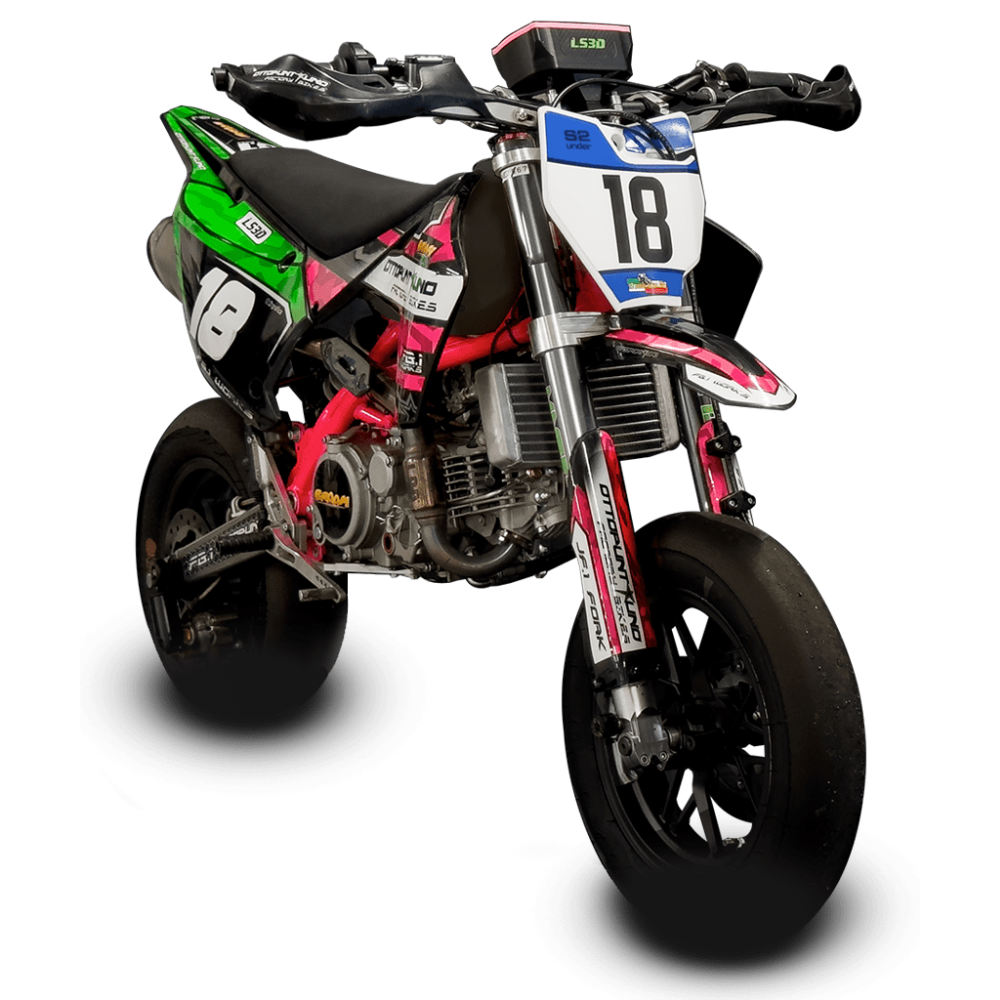
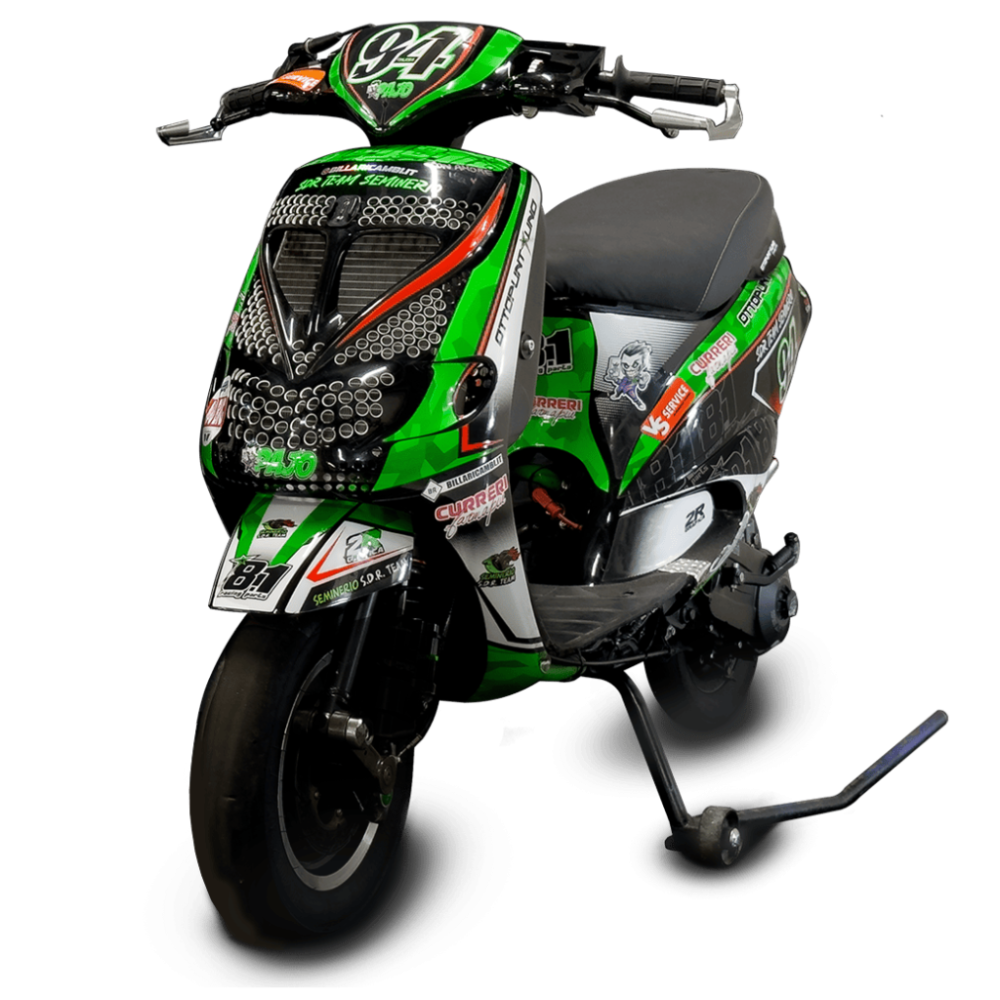
Discover two new additions to our motorcycle range and our refreshed brake range.
On the order you place
at our stand.
Get a new code at the show for a separate online order.
Order at the show, delivered to your door. Orders ship after the show; products are not available to take away at the stand.
5–8 November · Public days
3–4 November · Press and trade · Fiera Milano Rho